Question Banks and Question Types
7. Select Missing Words Questions
7.1. Shortcut for Missing Word Questions
Alternatively, it is possible to create a short cut using a Word document.
Step 1: Create a word document so that the answers for each question always have the same number in brackets.
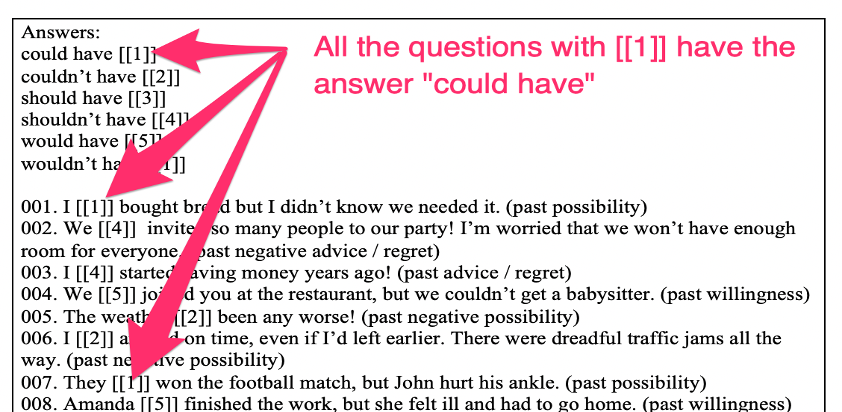
Step 2: Create your first question and format it as above. Then save it.
Step 3: Copy your question using the double page symbol. This will copy the question exactly – so all the answers will remain the same.
Step 4: Change the question number.
Step 5: Copy in question 2 from the Word document and scroll down and Save changes.
Step 6: Repeat steps 3 to 5 until you have added all your questions.